
Find the place before starting the route. A similar English name can lead to the wrong branch, and a pin can describe the building rather than the door you need.
Follow the identity chain
| Step | Confirm before continuing |
|---|---|
| Korean name | Copy the exact name from the venue or booking |
| District and address | Match the city/district and street address, not only a search result title |
| Branch | Compare the branch name with the reservation or official page |
| Entrance and floor | Check the public entrance, level and any lift/assistance requirements |
| Route mode | Choose walking/transit/driving for the actual journey and recheck the destination |
Our guide maps provide Korean names and address copying where verified. Their representative points are orientation aids, not guaranteed entrance coordinates or step-free routes.
Set the interface language
NAVER's official language help supports Korean, English, Simplified Chinese and Japanese. The documented route is MY → settings → Language; on iOS it may open the device's app-language settings.
The same help says newer Place Agent responses can remain Korean-only. Do not assume that changing the interface translates every review, business detail or feature.
Test one real journey before the busy day
Choose the hotel and the first attraction, check the useful station exit and the final walk, and compare the result with the venue's own entrance instructions. If mobility support matters, confirm lifts, door access and assistance directly; a short route line does not certify accessibility.
Use NAVER's saved-place/directions help for current app behavior. Keep the Korean name/address and an independent fallback available when connectivity fails. A saved pin is useful, but it is not a booking or proof that the venue is open.
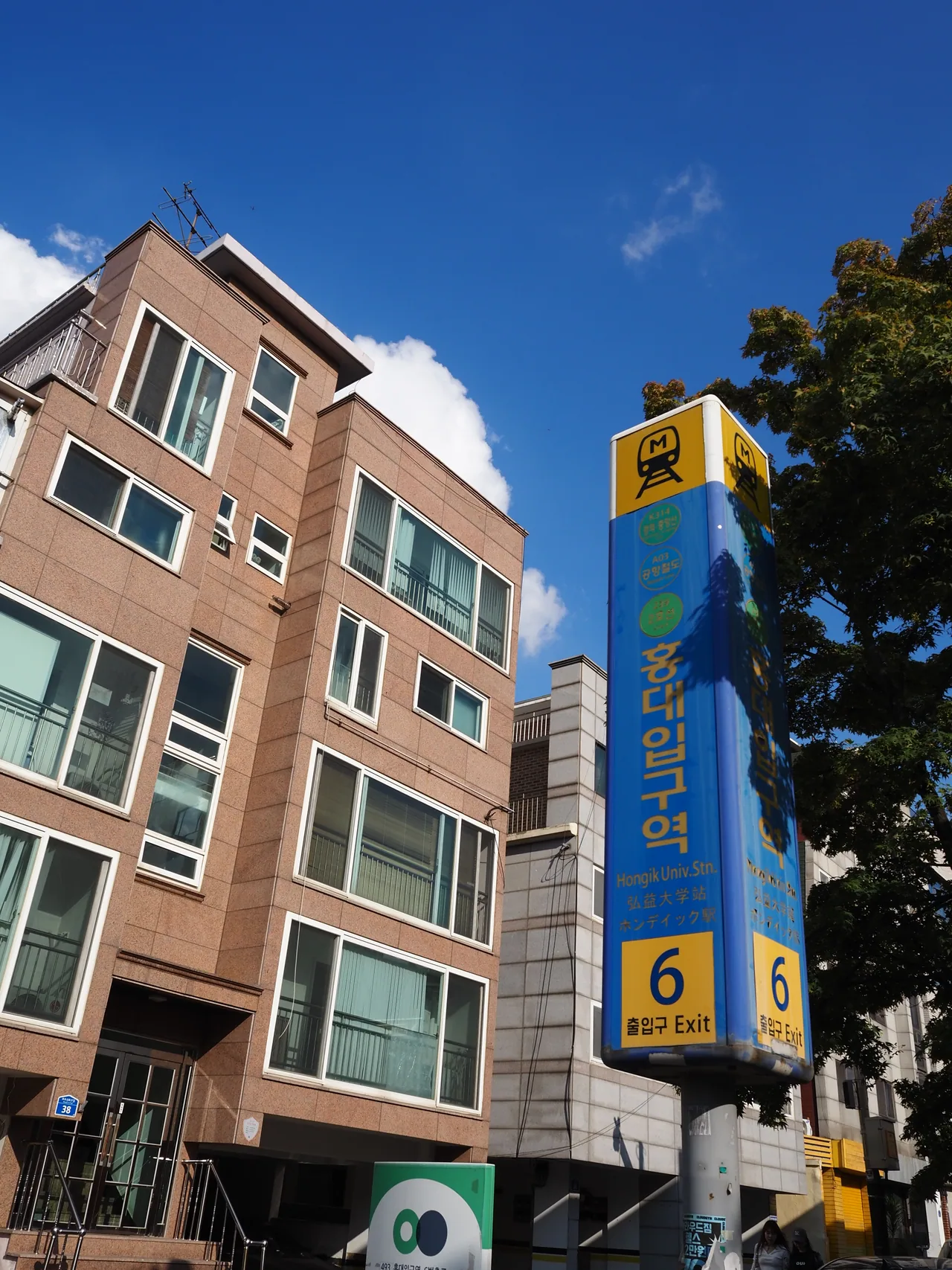
A station entrance illustrates the final-location problem: the station name alone is not the exit, lift or hotel route you need. This historical photo does not verify current access.
Image details & reuse
Photographed 2024-10-11. Resized and converted to WebP. Image derivatives retain the original credit and license. Historical image; check current signs, services and opening conditions separately.
Start with the airport-to-door guide, then put chosen stops and travel buffers in your trip board. Choose connectivity around your needs rather than assuming any local number guarantees every app login.